Wordle Clone
Wordle Clone is a full-stack web application recreating the popular word-guessing game. The project features secure user authentication (OAuth2 + JWT), multi-language word sets, persistent game sessions, and a responsive UI with both light and dark themes.
Wordle Clone#
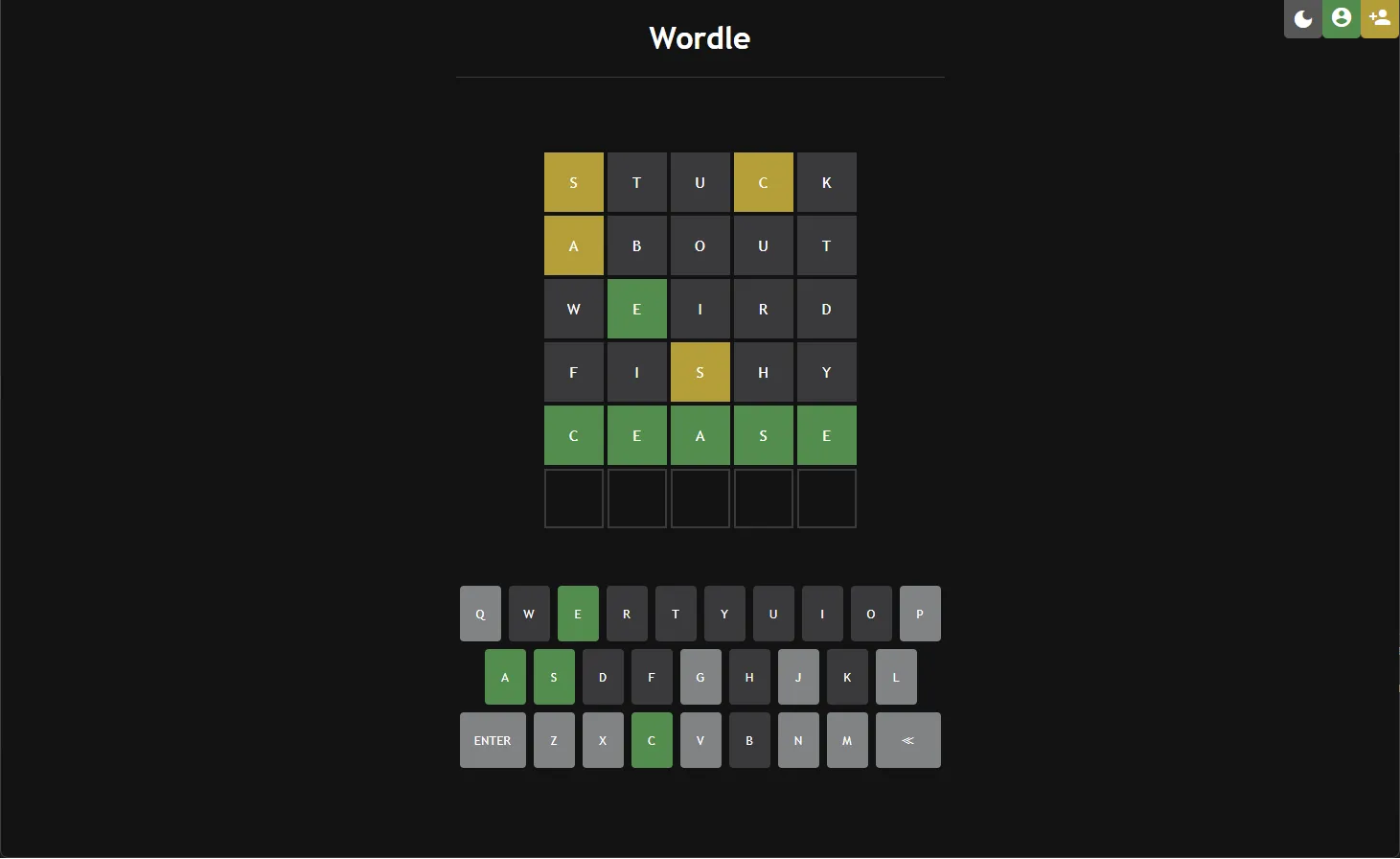
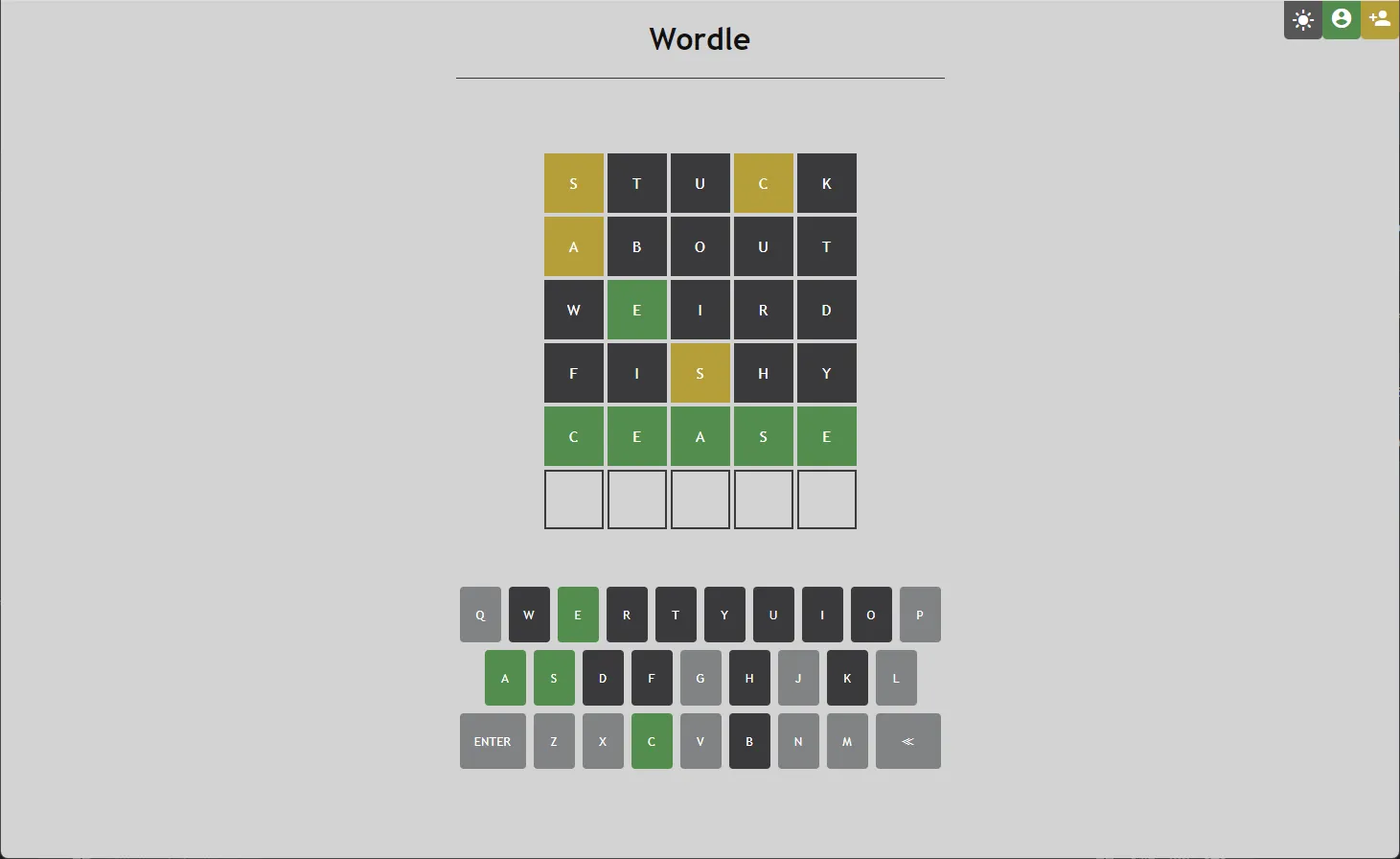
A modern full-stack implementation of Wordle, the popular word-guessing game. The player must guess a hidden five-letter word within six attempts. After each guess, the game provides feedback showing:
- letters in the correct position,
- letters that exist in the answer but are placed incorrectly,
- letters that do not appear in the target word at all.
Implementation#
Database#
The application uses a PostgreSQL 15.2 database (wordledb) running in a local Docker environment on port 5432.
The schema uses basic serial/bigserial types to automate ID generation.
Data Model (Part 1)#
Data Model (Part 2)#
Back End#
The backend consists of two independent microservices:
SESSIONAUTHORIZATION
Session Service#
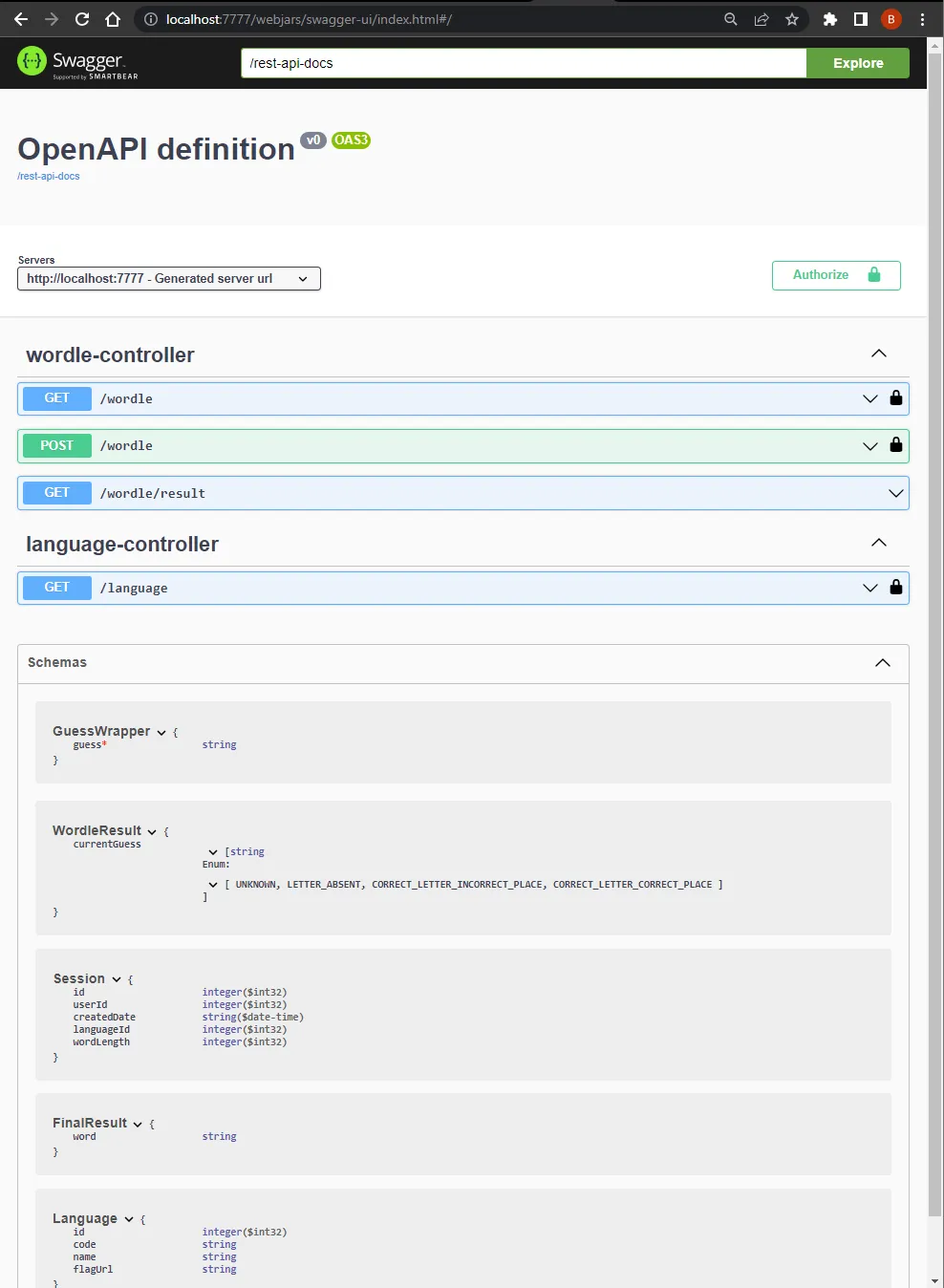
Manages the game flow. Authenticated users can start a new game session and submit guesses. The service validates guesses, checks the target word, and returns the result coloring.
Authorization Service#
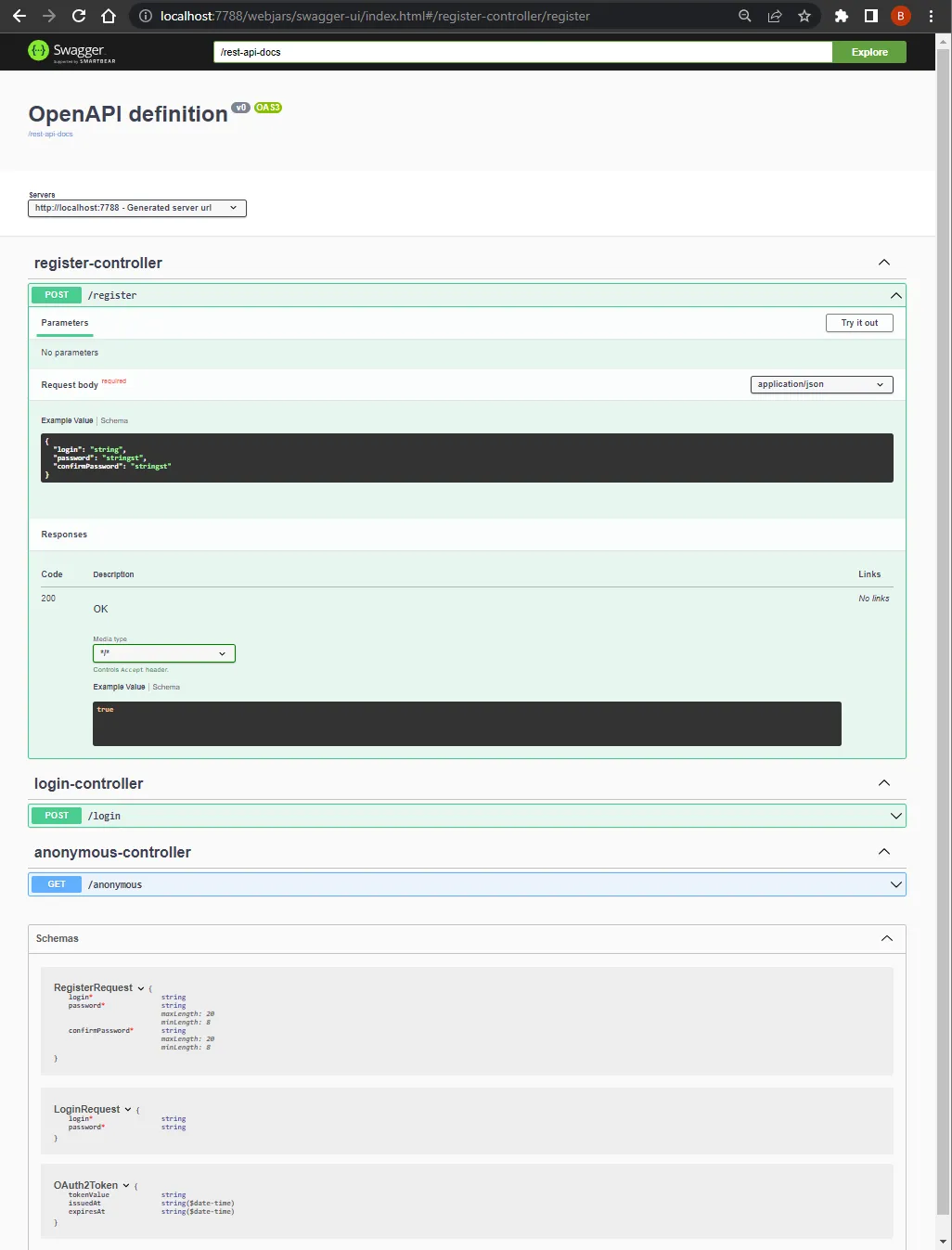
Handles user registration, login, and security. Authentication is implemented using JSON Web Tokens (JWT).
Below is an overview of the security flow:
Building the Project#
The project uses Gradle for build automation. You can run the application with:
./gradlew clean build bootRunSwagger API#
Each service exposes a Swagger UI for testing endpoints. Available after running Docker at:
Front End#
The frontend consists of three files located:
index.htmlstyle.cssapp.js
HTML#
Defines the visual structure of the page:
- Main area with the guess grid and visual keyboard
- A header with theme-switching, login, and registration buttons
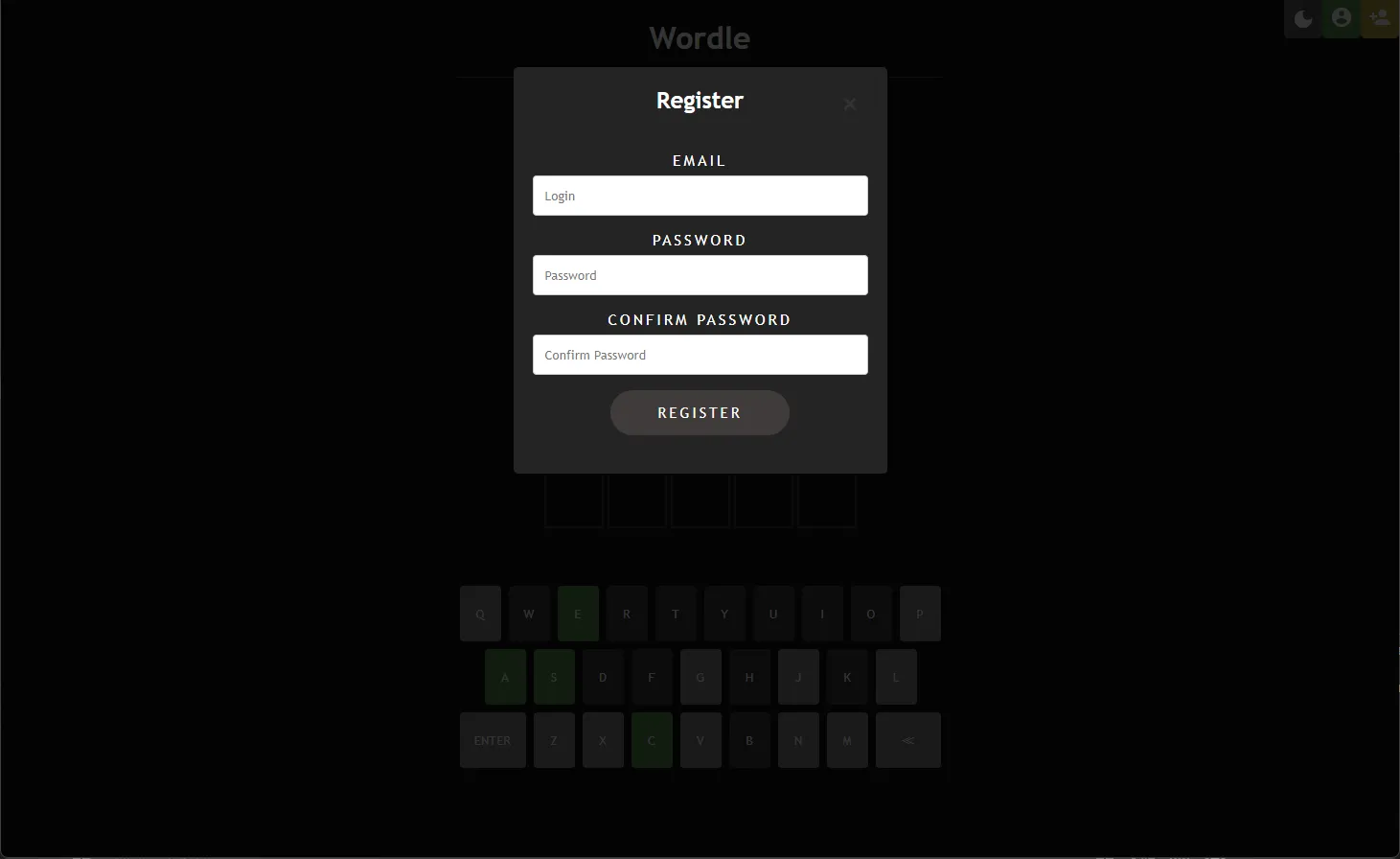
- Popup windows for login/registration via redirect
CSS#
Styles the interface:
- Colors, fonts, spacing
- Support for dark and light themes
- Uses Google Material Icons
JavaScript#
Handles game logic and user interaction:
- Managing keyboard input (both on-screen and physical keyboard)
- Sending asynchronous
fetch()requests to the backend - Rendering guess results and managing session flow
Running the Application#
-
Build and start the Docker environment:
docker compose up --build -
Wait until all containers finish initialization (look for
Application availability state ReadinessState changed to ACCEPTING_TRAFFICin thesessionservice logs). -
Open the application in your browser under:
Important: use
localhostinstead of127.0.0.1due to CORS restrictions.
Examples#
Game screen (dark mode)#
Game screen (light mode)#
Registration panel#
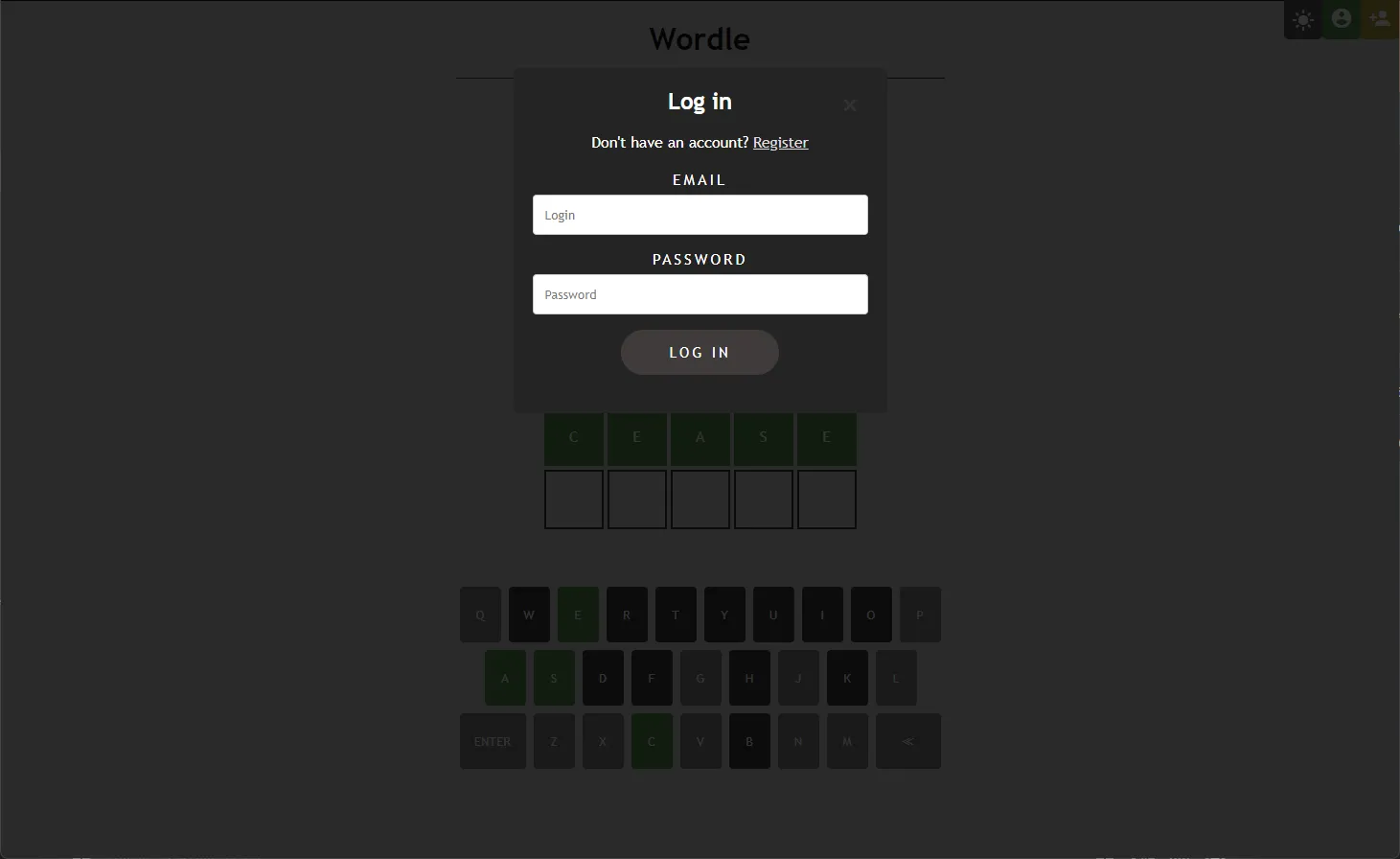
Login panel#